🛡️ Vulnerability Patcher
Detect vulnerabilities in your plugins and themes, apply virtual patches via WAF rules before the official fix arrives, and manage smart auto-updates with pre-update backups and rollback.
See It in Action
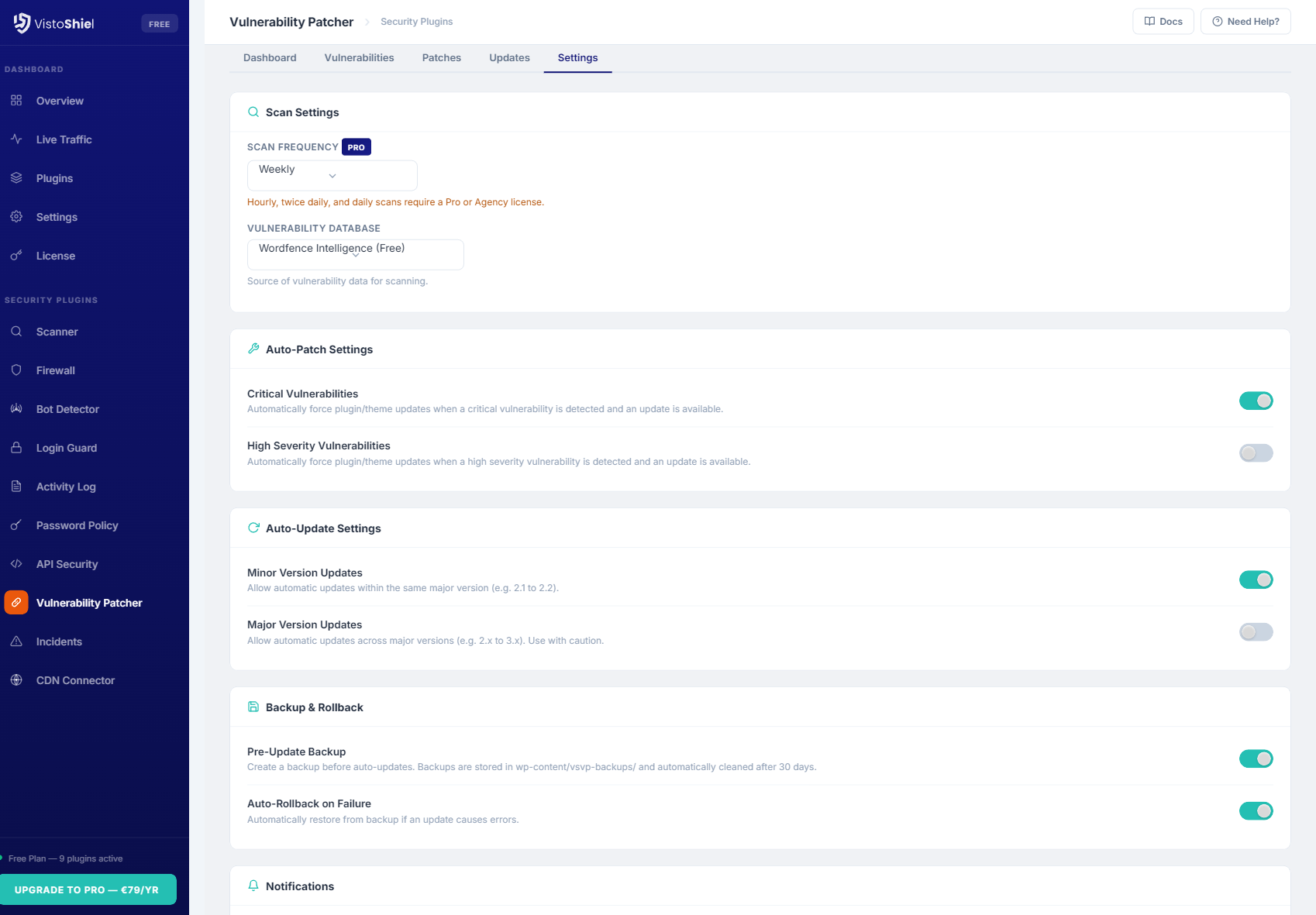
Explore the admin interface — click any screenshot to zoom
What This Solves
97% of WordPress vulnerabilities are in plugins and themes. Between disclosure and patch, sites are exposed. Vulnerability Patcher detects known vulnerabilities, applies virtual patches via WAF rules before official fixes arrive, and manages auto-updates with rollback capability.
Who This Module Is For
Sites Running Many Plugins That Need Patching
The more plugins you run, the larger your attack surface. Vulnerability Patcher monitors every one of them against known CVEs and applies virtual patches before the official fix lands.
Agencies Maintaining Client Sites
Dozens of client sites, hundreds of plugins. Smart auto-updates with pre-update backups and rollback mean you can keep every site patched without babysitting each one.
Anyone Who Wants Automatic Vulnerability Protection
Virtual patching blocks exploitation the moment a CVE is disclosed, even if the plugin author has not released an update yet. Set it and let it protect you.
Key Features
Vulnerability Database Sync
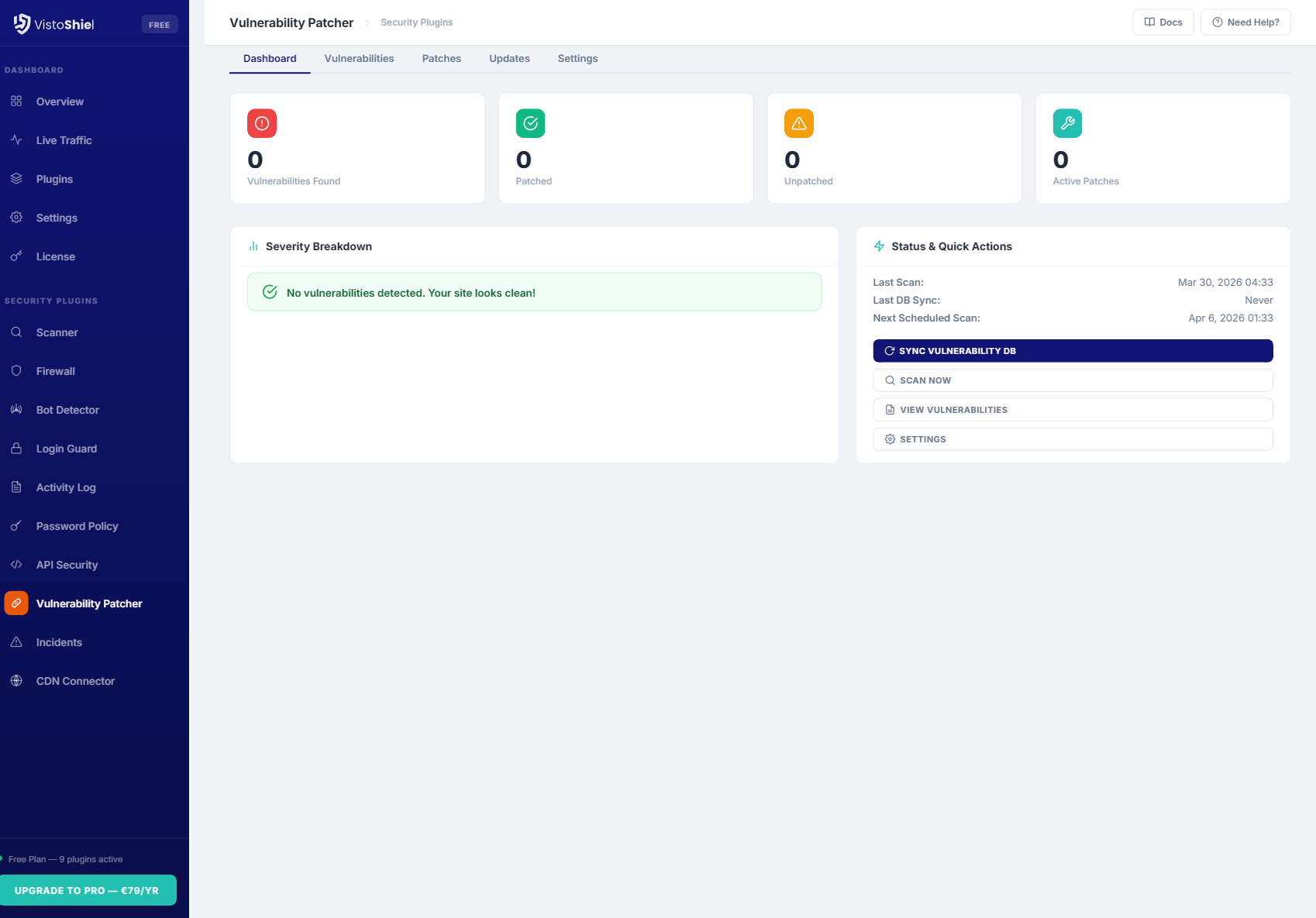
Automatically syncs with the Wordfence vulnerability API to check your installed plugins and themes against known CVEs. Scans run on a configurable schedule with immediate alerts for critical findings.
Virtual Patching
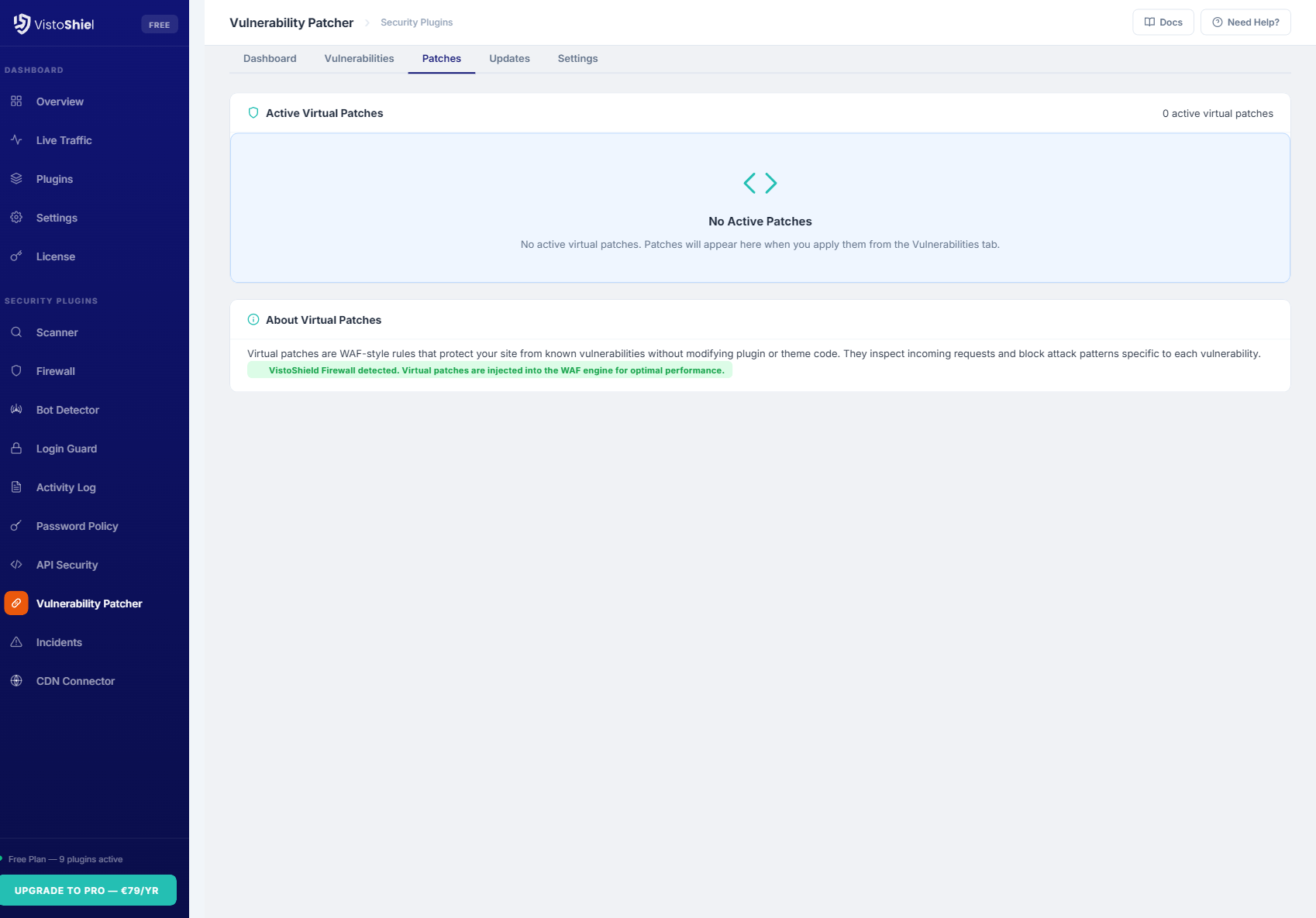
Apply WAF rules that block exploitation of known vulnerabilities before the plugin or theme author releases an official fix. Virtual patches are delivered through the vulnerability database and activate automatically.
Smart Auto-Updates by Severity
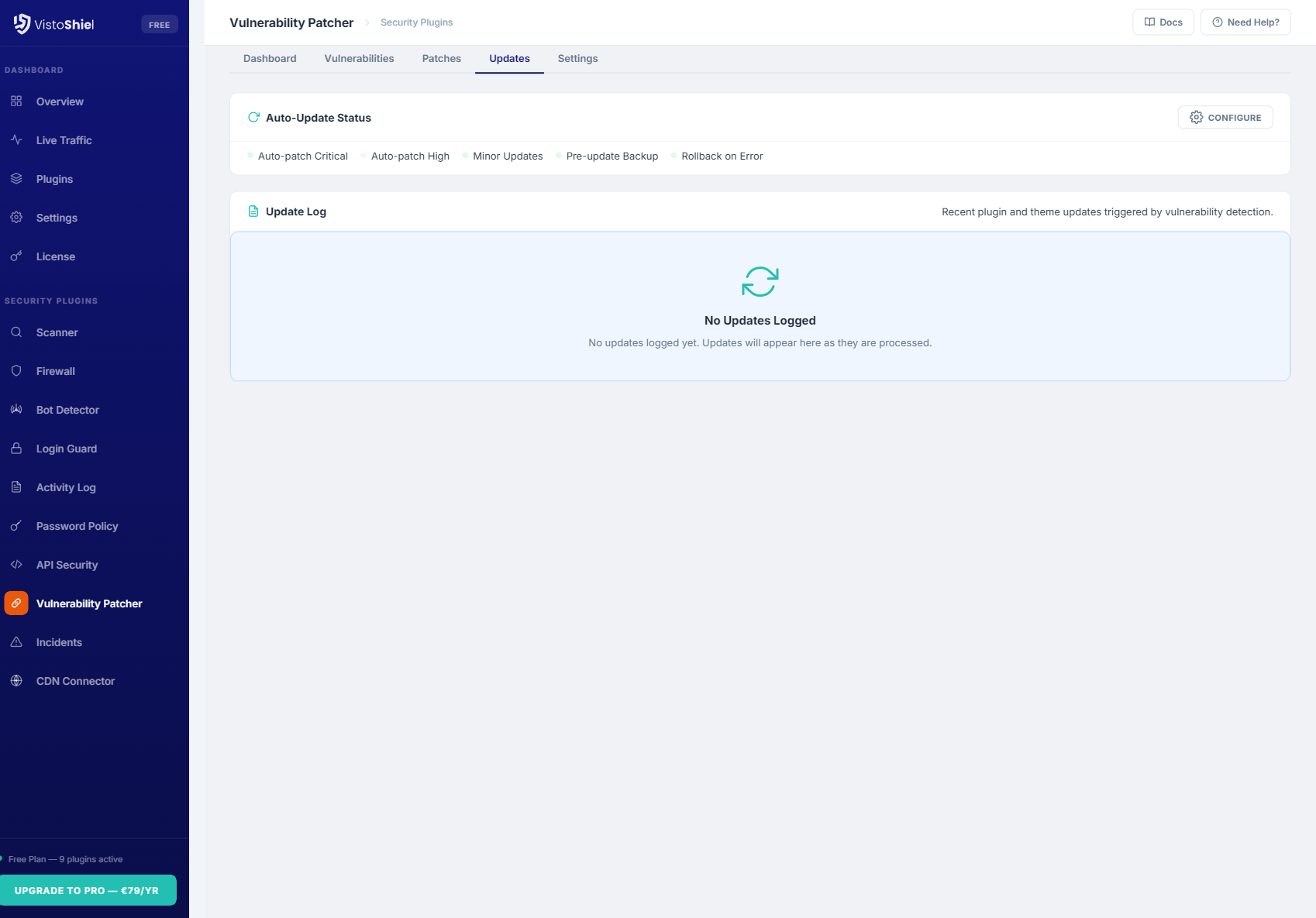
Configure auto-update behavior based on vulnerability severity. Auto-update critical and high severity patches immediately, schedule medium severity for maintenance windows, and leave low severity for manual review.
Pre-Update Backup & Rollback
Before every auto-update, a full backup of the plugin or theme files is created. If the update breaks your site (detected via health check), the previous version is automatically restored within seconds.
CVE Tracking Dashboard
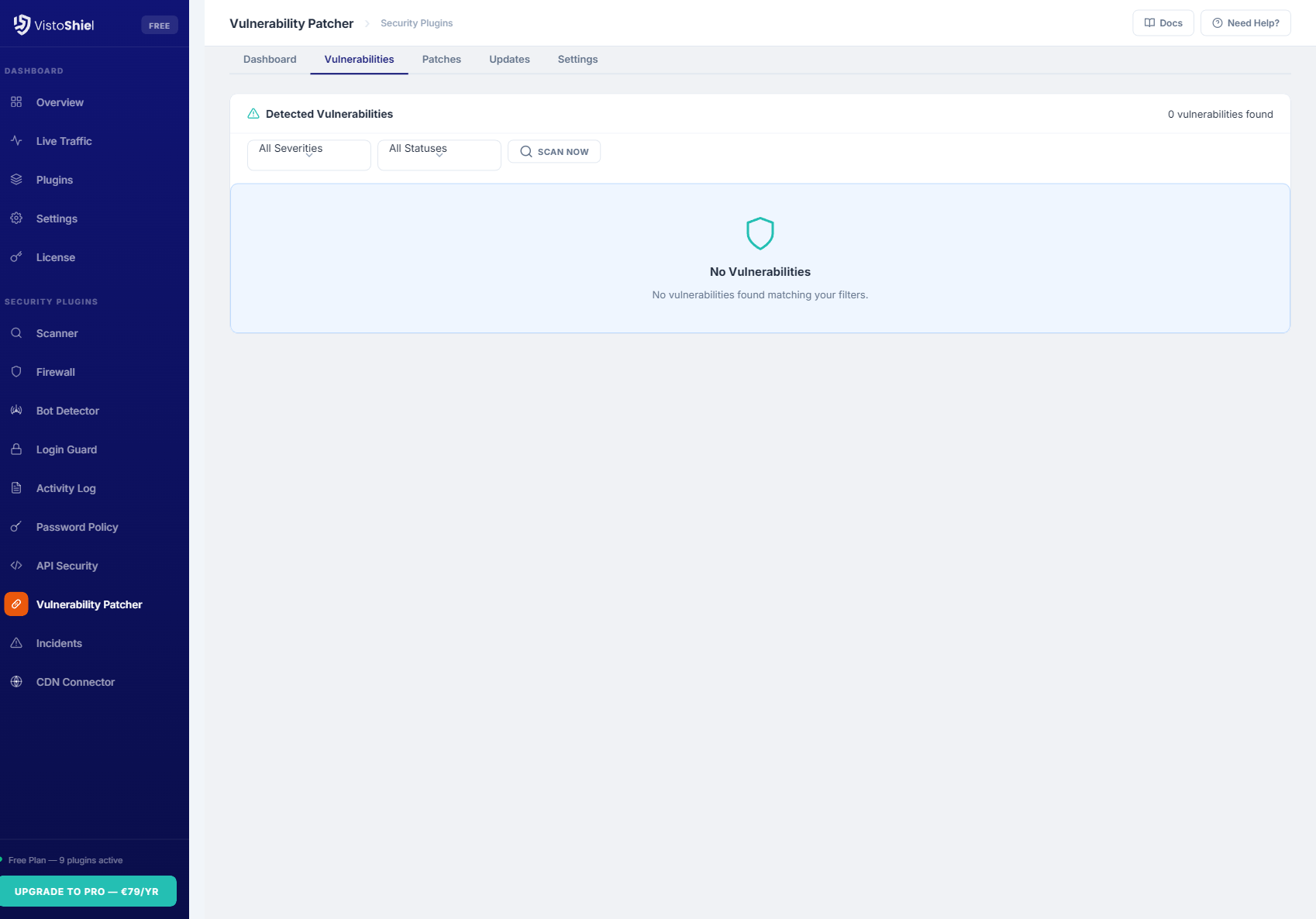
Centralized dashboard showing all known vulnerabilities affecting your installed software. Each entry includes CVE ID, CVSS score, affected versions, patch status, and whether a virtual patch is available.
Email Notifications by Severity
Receive email alerts when new vulnerabilities are discovered in your installed plugins or themes. Configure notification thresholds per severity level — get instant alerts for critical issues and daily digests for lower severity.
How It Works
Vulnerability Patcher continuously monitors your installed plugins and themes against a regularly updated vulnerability database. When a vulnerability is found, the plugin determines the best course of action: apply a virtual patch immediately, schedule an auto-update, or notify you for manual intervention.
Detection & Response Flow
The vulnerability management lifecycle follows a structured process:
- Discovery — scheduled scans compare your installed plugin and theme versions against the vulnerability database, which syncs every 6 hours by default
- Assessment — each vulnerability is scored by CVSS severity (critical, high, medium, low) and checked for available patches, both official and virtual
- Virtual Patching — if no official fix exists, a WAF rule is activated that blocks the specific attack vector described in the CVE, protecting your site without modifying plugin code
- Auto-Update — when an official fix is available and matches your severity threshold, the plugin creates a backup, applies the update, and runs a health check
- Rollback — if the post-update health check fails (HTTP 500, white screen, or critical PHP error), the backup is restored automatically and you are notified
Virtual Patching Explained
Virtual patches are WAF rules designed to block exploitation of a specific vulnerability without changing the vulnerable code:
- Delivered through the vulnerability database alongside the CVE data
- Target the exact request patterns that exploit the vulnerability
- Activate automatically when a matching vulnerability is detected
- Deactivate automatically once the official update is applied
- Work with the VistoShield Firewall plugin for server-level enforcement
- Can be reviewed and toggled individually from the dashboard
Virtual patches provide protection during the critical window between vulnerability disclosure and the official fix — a period when most attacks occur.
Smart Auto-Update Strategy
Not all updates should be applied immediately. The smart auto-update system lets you define rules based on severity: auto-update critical vulnerabilities within minutes, schedule high severity for the next maintenance window, and queue medium and low severity for manual review. Each update creates a rollback point, so even automatic updates can be safely reversed if something goes wrong.
The health check runs immediately after each update and verifies that the site returns a 200 status code, no PHP fatal errors appear in the error log, and the WordPress admin dashboard is accessible. If any check fails, the rollback triggers automatically.
Why Upgrade Vulnerability Patcher to Pro
Free detects and patches vulnerabilities. Pro adds extended vulnerability history showing your exposure timeline, PDF reports documenting patching activity for site owners and clients, and hourly scan frequency instead of weekly — catching new threats faster when they matter most. See this data in your cloud dashboard — alongside all your other sites.
Free vs Pro vs Max
Free detects vulnerabilities and applies patches. Pro adds extended vulnerability history, PDF reports for site owners, and priority support for faster resolution.
| Feature | Free | Pro | Max |
|---|---|---|---|
| Vulnerability scanning | Pro Required | ✓ | ✓ |
| Virtual patching | Pro Required | ✓ | ✓ |
| Auto-updates | Pro Required | ✓ Smart scheduling | ✓ Smart scheduling |
| Rollback | Pro Required | ✓ | ✓ |
| Vulnerability history | Pro Required | 14 days | 30 days |
| PDF vulnerability reports | ✗ | ✓ Standard | ✓ White-label |
| Team members | 1 | 5 | 20 |
| White-label branding | ✗ | ✗ | ✓ |
| API access | ✗ | ✗ | ✓ |
| Notifications | Email + Slack + webhook | Email + Slack + webhook + SMS | |
| Support | Community | Priority support | Dedicated support |
| $0 forever | $89/yr $7.42/mo billed annually $9.90/mo billed monthly | $169/yr $14.08/mo billed annually $19.90/mo billed monthly | |
| Start for Free No credit card required | Start Free Trial No credit card required | Start Free Trial No credit card required |
This is just 1 of 14 security modules. Every plan includes all modules — firewall, scanner, bot detection, uptime monitoring, and more. See full plan comparison →
Ready to Patch Vulnerabilities Before Attackers Strike?
Install Vulnerability Patcher from the WordPress plugin directory and start protecting your site from known CVEs today.
Get Started Free See All Plans →